Well prepared thanks to the client guide
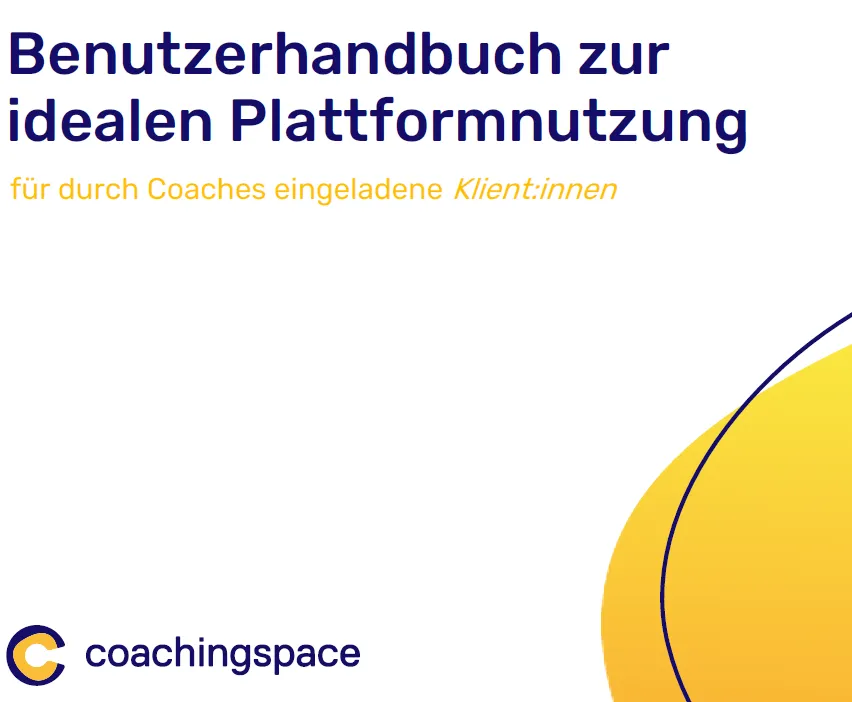
We are pleased to introduce a new resource for your clients: a comprehensive user guide for our coaching platform! From now on, you can send this guide along when scheduling an appointment, so your clients can prepare optimally for their first session.
Why a user guide?
The first coaching appointment often comes with lots of questions. How does the platform work? How do I join the session? What technical requirements do I need? Our guide gives you clear answers and makes it easier for your clients to get started.
Invitation to the session
The session link can be sent by email, WhatsApp or text message.
No software download required; Google Chrome is recommended.
Start page & lobby
Clicking the link takes you to the waiting room.
Option to run a tech check (microphone, camera, connection).
In the lobby, the coach can be notified that the client is waiting.
Video conference settings
Choice of camera, microphone and background effects.
Option to temporarily turn off audio and video.
Advanced options for better performance with a weak internet connection.
Interaction during the session
Option to switch between different video views.
Tools for interacting with coaching methods (e.g. the constellation board).
Features such as zoom, naming figures or showing the viewing direction are available.
Two-window mode
Recommended when using two screens, for a better overview.
Your benefit: more clarity, better results
With the user guide, clients can prepare well for their first session.
We recommend sending the guide directly with the appointment confirmation, for a smooth and stress-free start to coaching!
You can download the guide here: