12 New Features for Your Online Coaching: The Big Summer Update at a Glance
A lot has happened behind the scenes at coachingspace in recent weeks. Some of the new features make your everyday work as a coach, supervisor or consultant easier. Others open up entirely new methodical possibilities for working in the virtual coaching room.
For the big methodical innovations, you will already find detailed articles with case studies and instructions here on the blog. This post gives you the overview of all 12 features of the summer update in one place, with links to the details, and with several practical improvements we have not presented to you at all yet.
1. Moderation cards for the online constellation board
We were especially looking forward to this one: from now on, you can use freely writable moderation cards in the constellation board method.
A moderation card does not prescribe a method. It can be a value, a question, a hypothesis, a goal or an entire theoretical model. Use it to lay out values and needs, contrast decision options or build whole coaching methods in the room yourself, from the values and development square to your own decision landscape.
What that looks like in practice is shown in the detailed case study in the article New Chess Pieces and Moderation Cards for Online Coaching in the 3D Room.
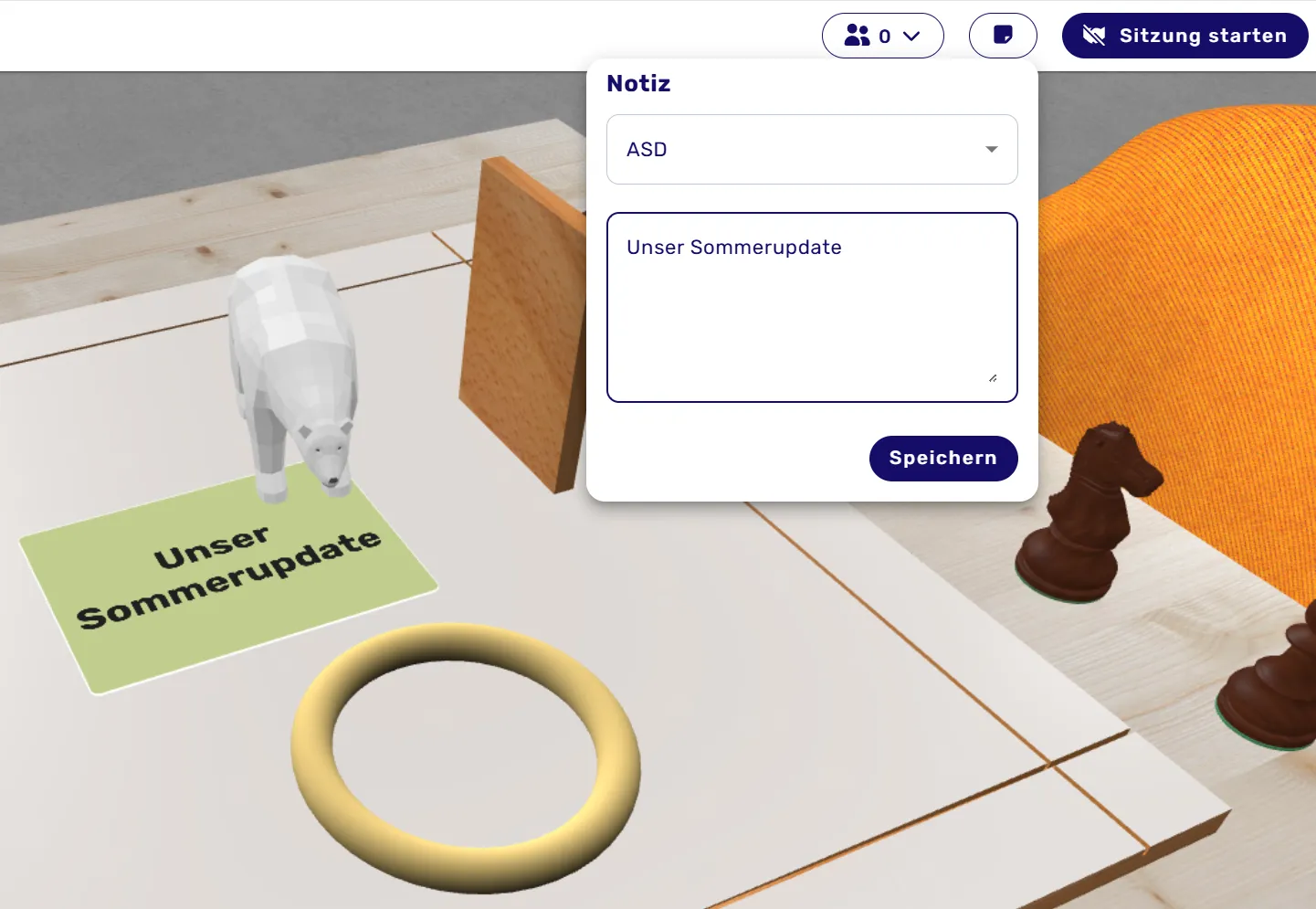
2. Notes directly in the client file
Working with the client file just became more practical: you can now save your own notes on your clients directly in the client file.
These notes are visible only to you and appear automatically in the client file's timeline. There you can call them up and edit them at any time.
This lets you capture thoughts, observations, agreements or important information exactly where they belong: in the course of the respective counseling process. What became visible in the last session is right there at the next appointment, without any searching. Over time, a journal of your shared process emerges that connects synchronous and asynchronous work.
3. Uploading your own cards for constellations
Not brand new anymore, but far too good to skip: in the positioning maps, you can upload your own cards and images and use them directly for your constellation work in the virtual 3D room. Your favorite cards from in-person work, your clients' personal images, or individual symbols and metaphors, provided you hold the usage rights.
All the ideas for using this are in the article Using Your Own Cards in coachingspace.
4. Anchoring figures
You may know the situation: a constellation is carefully built, and then a figure gets moved by accident.
That is over now. Figures can be anchored. They stay exactly where you positioned them until you release the anchor again.
A small feature that makes a big difference, especially in complex constellations with many elements. For example, when you lay out a model of moderation cards as a fixed frame and only the figures within it should remain movable.
5. Saving e-mail addresses and inviting faster
Communication around your clients also gets easier: e-mail addresses can now be saved directly with the respective client.
The big advantage: when you want to invite your clients by e-mail again, you no longer have to type the address every time. Repeated invitations to sessions and methods become noticeably faster and simpler, especially in ongoing processes with regular appointments.
6. Multiple speech bubbles for one part in the Inner Team
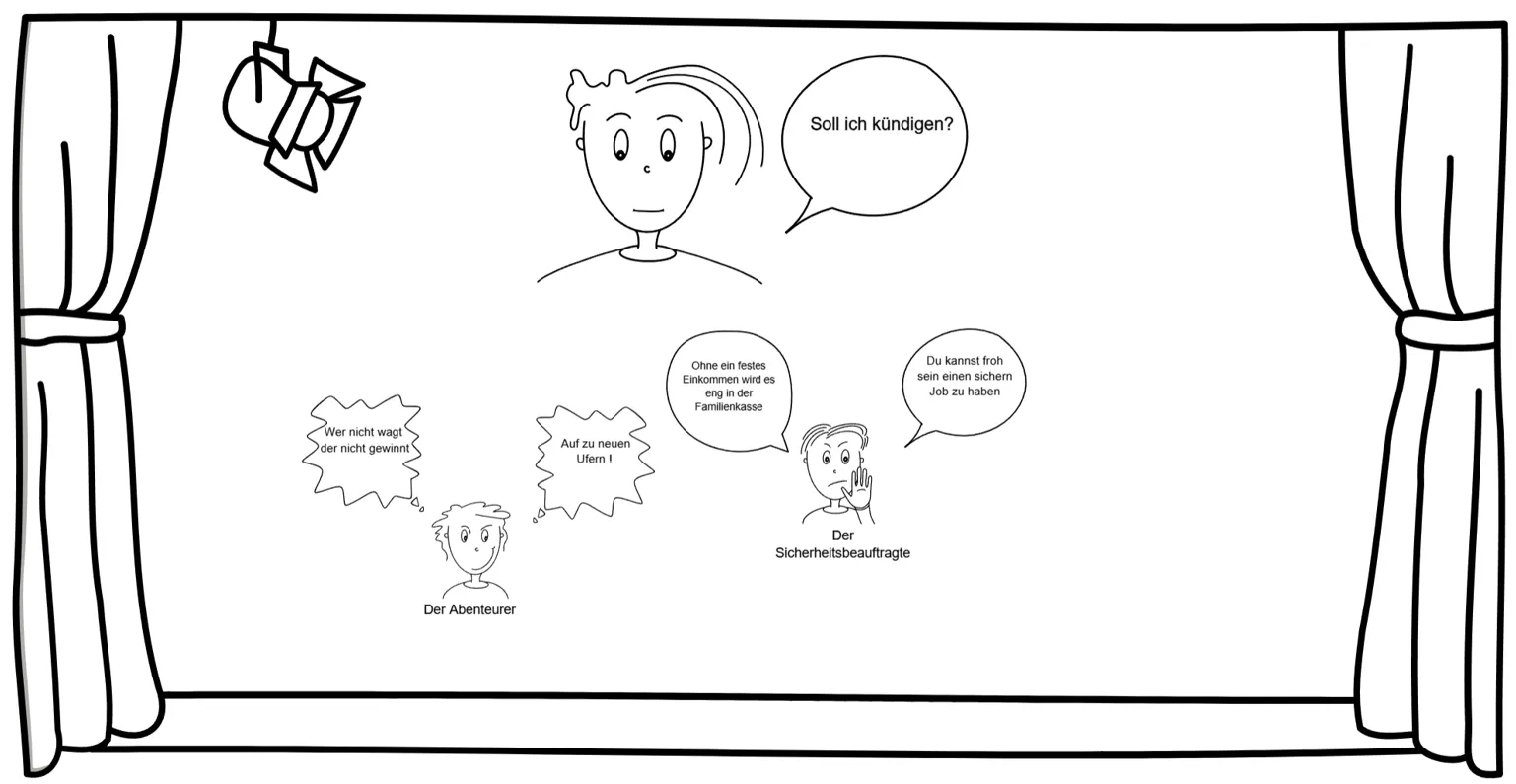
Until now, a part in the Inner Team by Schulz von Thun could only hold one speech bubble and thus one statement. From now on, you can assign several individual speech bubbles to one part. Because an inner part does not always have just one sentence to say.
The methodically fascinating question behind this (when does a part have several messages, and when is a new team member already speaking?) is explored in the article The Inner Team in Online Coaching.
7. New journals on conflicts and values by Verena Mamsch
Our journal area keeps growing: newly added are journals on the topics of conflicts and values by Verena Mamsch. They accompany reflection and development processes in a structured way, in the session and beyond.
A heartfelt thank you to Verena Mamsch for the wonderful materials! What the two journals contain, from conflict analysis based on the Harvard method to working on your own core values, is covered in the article Conflict Coaching and Values Coaching: Two New Coaching Journals.
8. Inviting clients directly from within a method
If you have assigned a method to a client, you can now invite them directly from the opened method.
You will find a new share button at the top left of the method. You no longer have to leave the method or take a detour through other areas; you invite your clients right out of the ongoing work. Together with the saved e-mail addresses from point 5, an invitation now takes seconds.
9. Impulse cards can now be arranged in a straight layout
Sometimes it may be creative and free. And sometimes you simply need clear order.
When you create new impulse cards, you will now find an additional option: with a simple checkbox, you determine that the cards are laid out straight. Especially with card sets where texts, categories or a clear structure are in the foreground, this creates a much better overview.
10. New in the room: rings and walls
With rings and walls, you can now structure the virtual room even more. Boundaries, belonging, systems, closeness and distance become spatially visible. Who belongs? Who stands outside? Where does a boundary run? What protects and what separates?
Important here: the elements prescribe no interpretation. The meaning emerges in the coaching process, not in the tool. You will find many practical examples, from conflict coaching to supervision, in the article Rings and Walls in Online Coaching.
11. New: the chess piece set
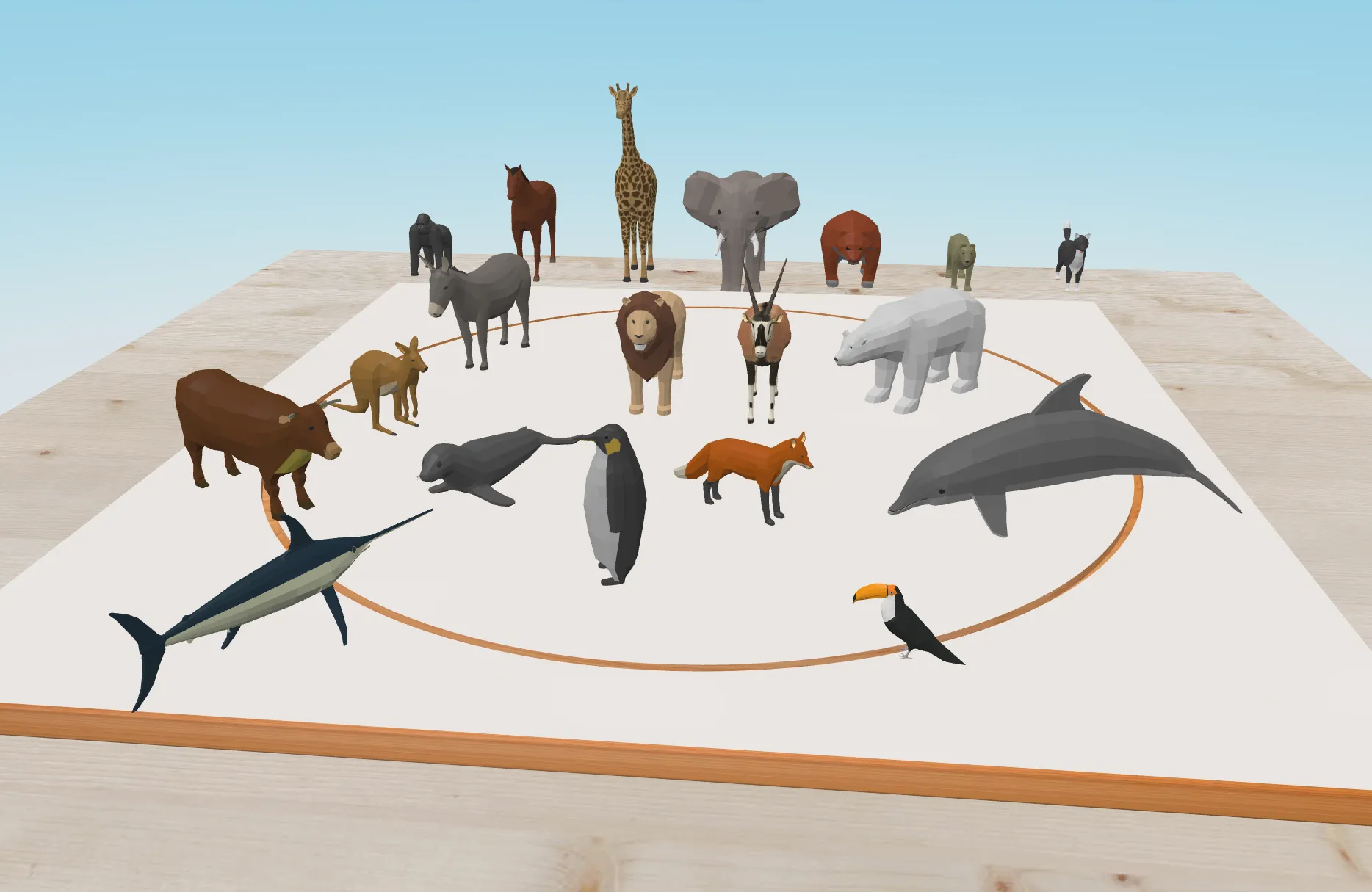
One of our favorite additions: chess pieces for 3D constellation work. Every piece brings its own symbolism and logic of movement, before a single word is spoken. The knight moves differently than the queen; the king is central and restricted at the same time.
What if your organization were a chessboard? Which piece would you be? The complete case study from a leadership coaching, including the decisive change of perspective, is in the article New Chess Pieces and Moderation Cards for Online Coaching in the 3D Room.
12. Instructions for the positioning maps right where you need them
The positioning maps now offer many different possibilities and sets. To help you understand more quickly how to use them, we have integrated the instructions directly into the workflow.
You will find the explanation right when creating the method. For the individual sets, a link takes you straight to the matching guide. You can inform yourself immediately, without first searching for instructions elsewhere.
The best part: all tools can be combined
For us, that is where the real strength of coachingspace lies.
Not building a rigid digital tool for every conceivable coaching method. But creating a virtual coaching room in which you can unfold your own methodical competence. Figures, cards, rings and walls, changes of perspective, and the note in the client file so the insight is not lost before the next session. All in a GDPR-compliant environment, developed and hosted in Germany.
A very special thank you goes to Sören Straßmann, who programmed his fingers sore in recent weeks and made all these improvements possible!
Frequently asked questions about the update
What do the new features cost?
All features presented are part of the respective methods and included in your existing subscription. There are no additional costs.
Are my notes in the client file visible to clients?
No. The notes are visible exclusively to you and appear chronologically in the timeline of the respective client file.
Which image formats can I upload as custom cards?
Common image formats such as JPG and PNG. For third-party materials, please make sure you hold the corresponding usage rights.
Can I combine the new elements with each other?
Yes, that is exactly what they are made for. Moderation cards, chess pieces, rings, walls and all figure sets are available together on the constellation board and can be combined freely.
Where can I see the new features live?
In our free product demos we walk through all methods and show the new features in action. You will find the dates via the link at the end of the article.
Try it now
All 12 new features are available in your account right away. Start a session, open the constellation board and try them out.
Not using coachingspace yet? Then get to know the platform in a free live product demo. In 90 minutes we guide you through the virtual coaching room, show the methods in action and answer your questions: Register for free now
P.S.: Many of our best improvements come from your feedback and ideas. If you are missing a feature or have an idea how we can make coachingspace even better, write to us!